✓ Verified FxPlor 16B

Zero-Gravity Space Airlock
Spherical water globules with optical reflections, dense electrical wiring, circular hatch perspective.
Photorealistic generative intelligence running natively on your workstation. Zero cloud latency. Zero monthly GPU rental tolls. Synthesized with extreme acutance across Apple Silicon, Windows CUDA, and Linux.
Every work below was synthesized directly by the FxPlor foundation model across cultural still-lifes, space physics, equine kinetics, and aerial drone vistas. Click any piece to inspect generative prompt architecture and hardware runtime telemetry.
Spherical water globules with optical reflections, dense electrical wiring, circular hatch perspective.

Natural seafoam aeration on wet sand, golden mountain horizon, and warm wave reflections.

Dynamic equine muscle anatomy, windblown flowing manes, backlit golden dust particles.

Volumetric sunbeam shafts, circular luminaire, detailed camera body and industrial set perspective.

Liquid glass tea translucency, crispy fafda texture with green chilies, brass vessels, open notebook.
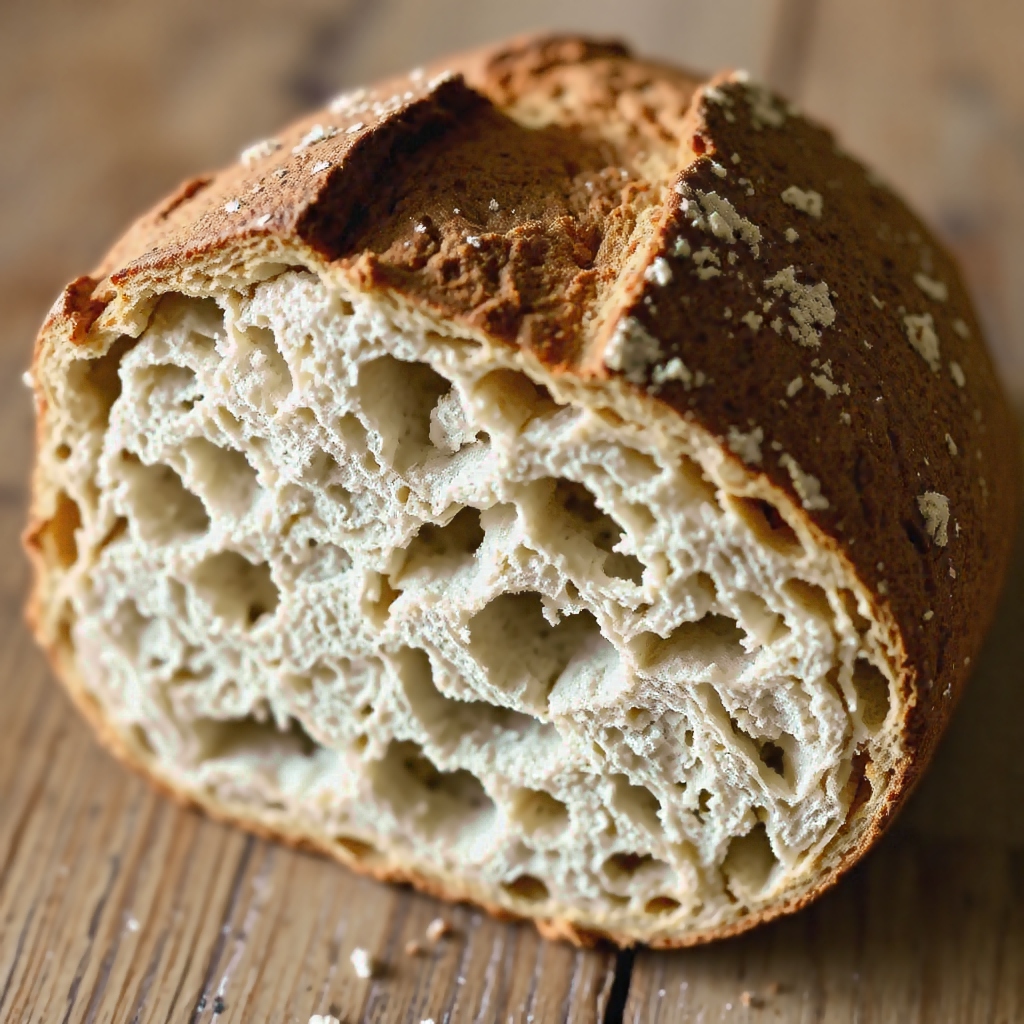
Wild irregular crumb alveoli, caramelized crust with blistered ear and dusting of flour.

Crisp juicy red pulp fiber, striped green rind micro-texture, and dramatic directional studio lighting.

Winding cliffside highway, crashing surf foam against rugged headland, sunrise bursting over peaks.

Natural crowd movement, leather backpacks, accurate spatial depth and overhead tunnel lighting.

Glossy tomato skin reflections, weathered wooden crate textures, natural canopy shadow falloff.
FxPlor 16B is engineered with adaptable quantization kernels. Review the empirical system requirements across Apple Silicon, Windows, and Linux workstations.
Apple M1 / M2 MacBook Air (8GB RAM)
Uses INT4 quantized caching with unified memory swap.
Apple M2 / M3 / M4 Pro (16GB – 36GB RAM)
Active cooling with dedicated 16-core Neural Engine.
Apple M2 / M3 Ultra or M4 Max (48GB – 128GB)
Full FP16 uncompressed tensors with 400 GB/s bandwidth.
NVIDIA RTX 3060 (12GB VRAM)
16 GB System RAM, CUDA 12.x or DirectML backend.
NVIDIA RTX 4070 Ti / 4080 (16GB VRAM)
32 GB System RAM, TensorRT acceleration.
NVIDIA RTX 4090 (24GB VRAM) / RTX 6000 Ada
64 GB System RAM, FP16 FlashAttention-2.
NVIDIA RTX 3080 / 4070 (12GB VRAM)
16 GB RAM, PyTorch 2.4+ with cuDNN 9.x.
NVIDIA A10G / L4 / RTX 4080 (24GB VRAM)
32 GB RAM, vLLM / TensorRT-LLM pipeline.
NVIDIA H100 / A100 (80GB) or AMD MI300X
High-throughput parallel multi-client batching.
We believe in honest, empirical performance data. Here is exactly how FxPlor 16B performs across real consumer laptops and workstation rigs.
| Hardware System | RAM / VRAM | 1024×1024 Runtime | Power Draw | Data Privacy |
|---|---|---|---|---|
| Apple M2 MacBook Air (Passive Cooling) | 8 GB Unified RAM | ~3 Minutes (180s) | 14 Watts (Cold & Silent) | 100% Offline On-Device |
| Apple M3 / M4 Pro (Active Fan Cooling) | 18 GB – 36 GB Unified | ~25 – 45 Seconds | 28 Watts | 100% Offline On-Device |
| Apple M2 / M3 Max / Ultra Workstation | 48 GB – 128 GB Unified | ~14 – 20 Seconds | 45 Watts | 100% Offline On-Device |
| Desktop Workstation (NVIDIA RTX 4090) | 24 GB GDDR6X | ~4 – 8 Seconds | 450 Watts | 100% Offline On-Device |
| Traditional Cloud APIs (Midjourney / Flux) | Cloud H100 Clusters | 15s – 35s Queue Wait | Mega-Watt Server Farms | Prompts Logged on Cloud |
Be the first to receive download links when the public demo builds for macOS and Windows go live on fxplorai.in.
We have reserved your invitation. When the signed DMG and installer packages are compiled for distribution, you will receive your early download link.